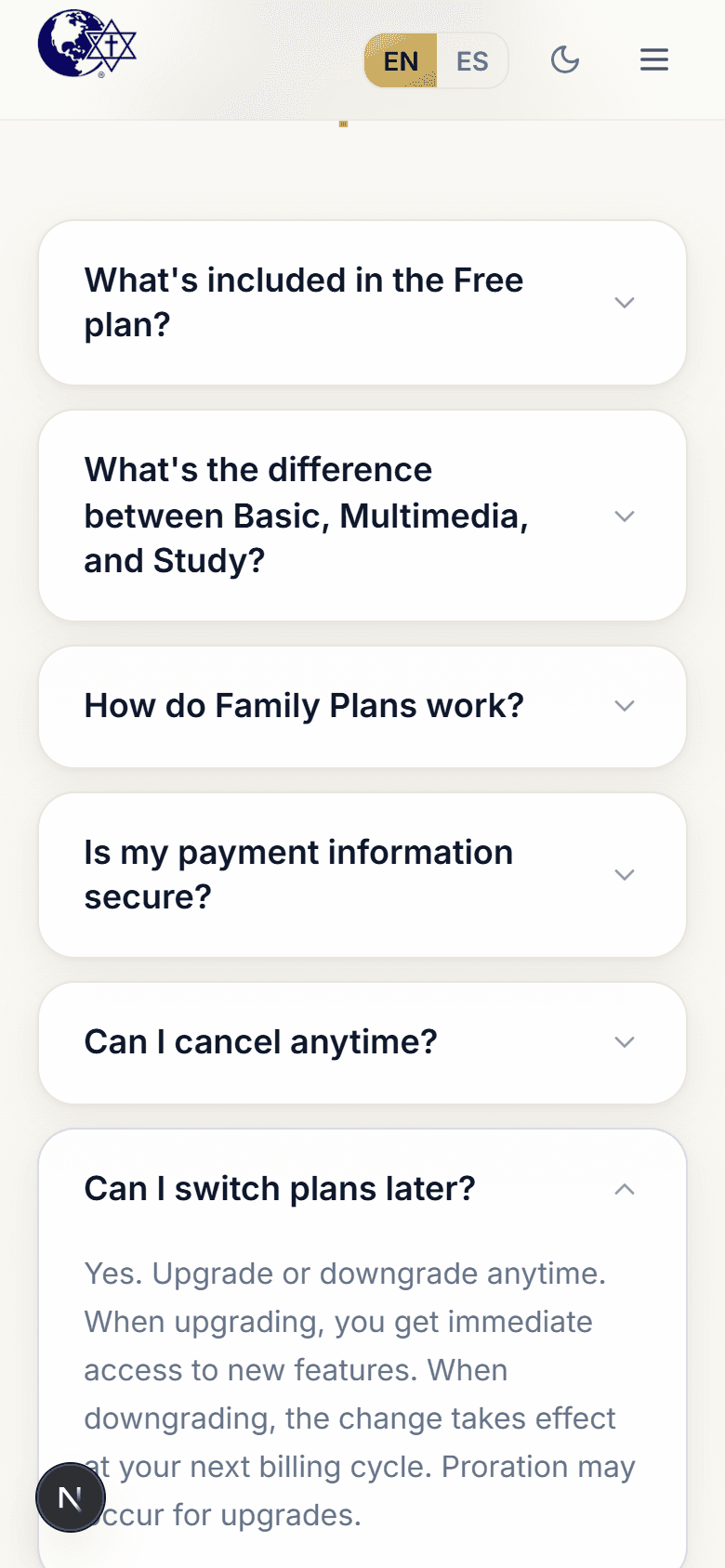
Manage your subscription
Change plans, update payment, or cancel anytime.
Updated June 4, 2026
You can change your plan, update your card, or cancel whenever you like. Subscriptions are handled on your secure CGC account page — and when you tap to manage your plan in the app, it opens that page for you, already signed in.
Step-by-step guide
- 01
Step 01 / 03
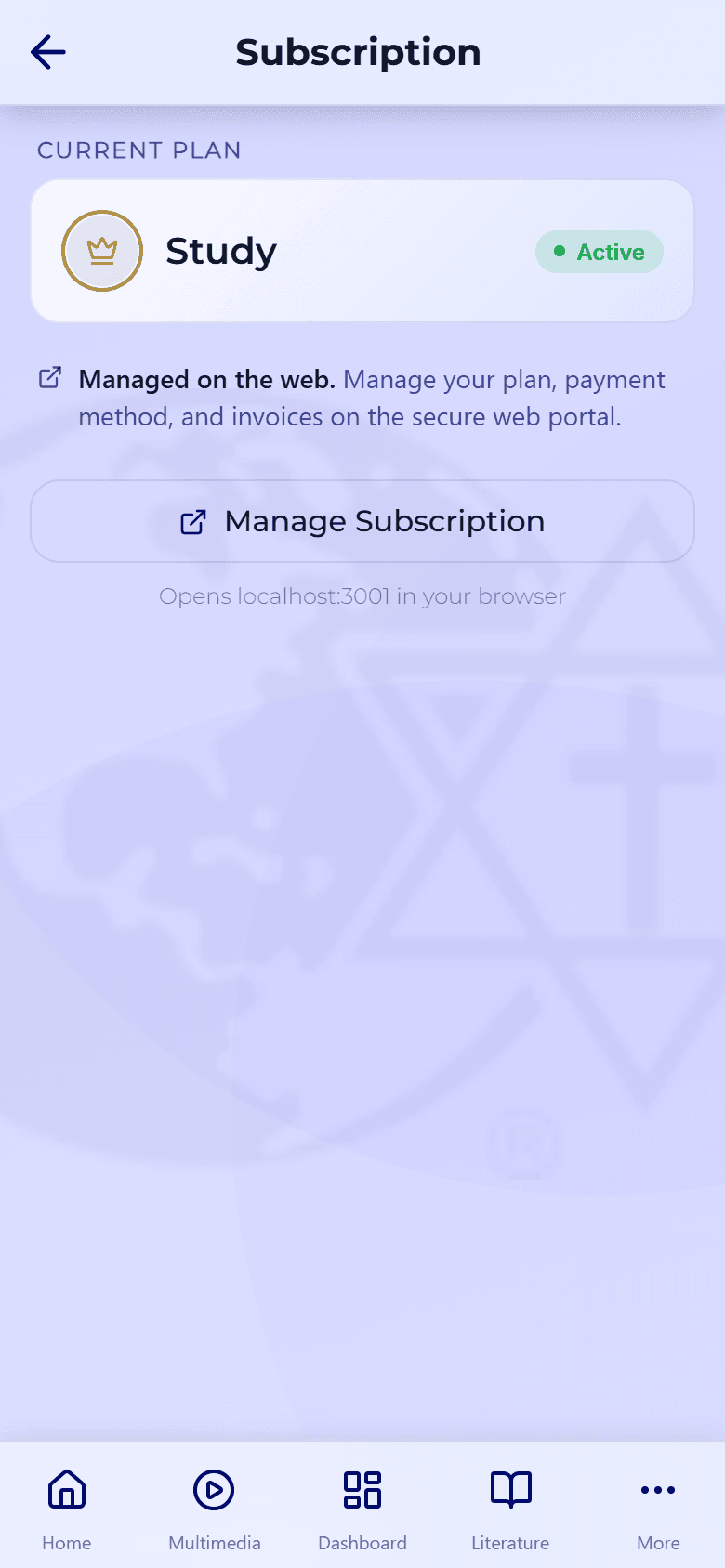
Open your subscription
- In the app, go to My Account → Subscription (on the web, open your Account).
- Tap Manage billing to open the secure billing portal.
- From there you can switch plans, update your payment method, or cancel.
- 02
Step 02 / 03
If you cancel
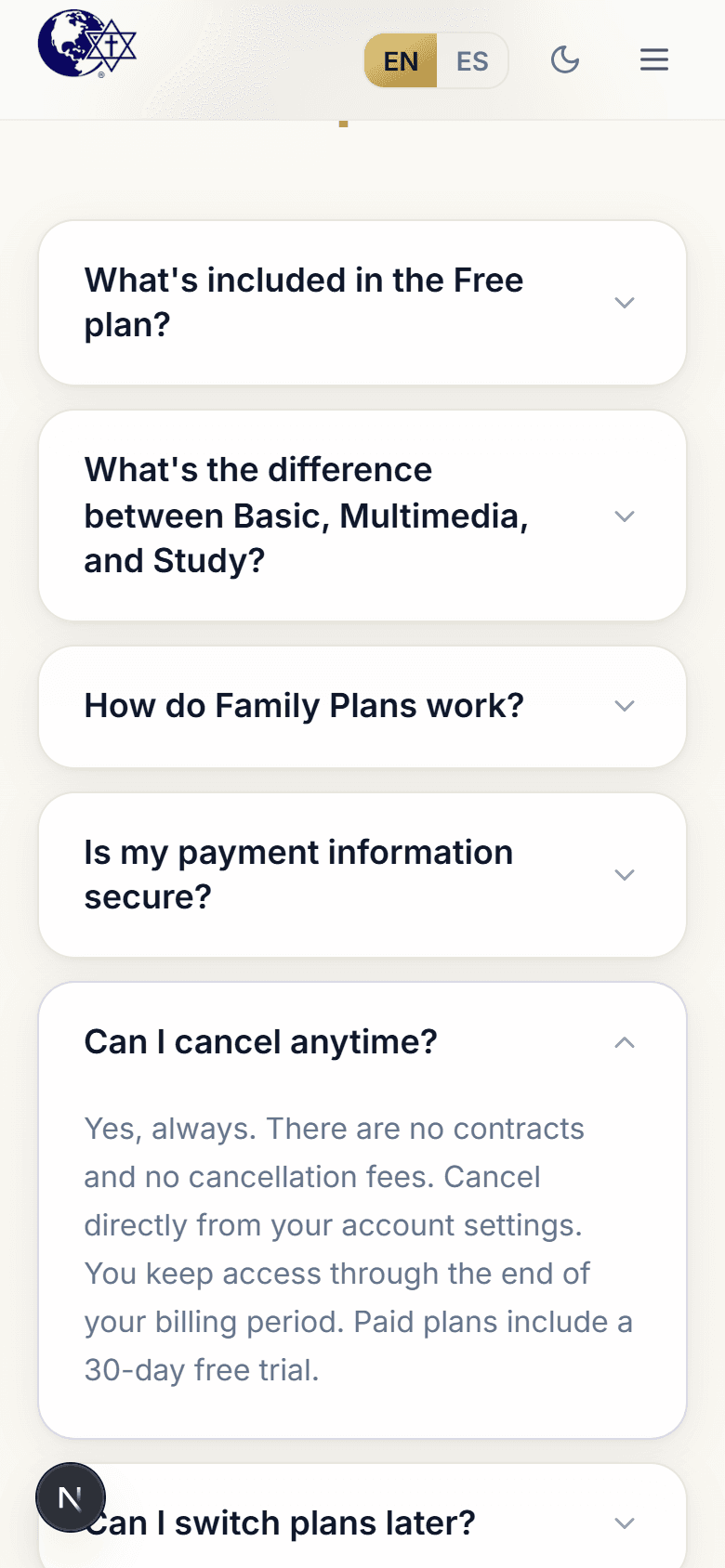
You keep full access until the end of the period you've already paid for. After that, your account simply returns to the free plan — your library, notes, and favorites stay with you.
- 03
Step 03 / 03
Billing questions
Question Answer When am I charged? On your renewal date, shown on your subscription page. Do I lose access the moment I cancel? No — access lasts until the current period ends. Was I charged during the free trial? No. Cancel before the trial ends and you won't be billed. To compare options, see Plans & what's included.