Change the language
Use the app and this help center in English or Spanish.
Updated June 4, 2026
The CGC app and this help center are both available in English and Spanish.
Step-by-step guide
- 01
Step 01 / 02
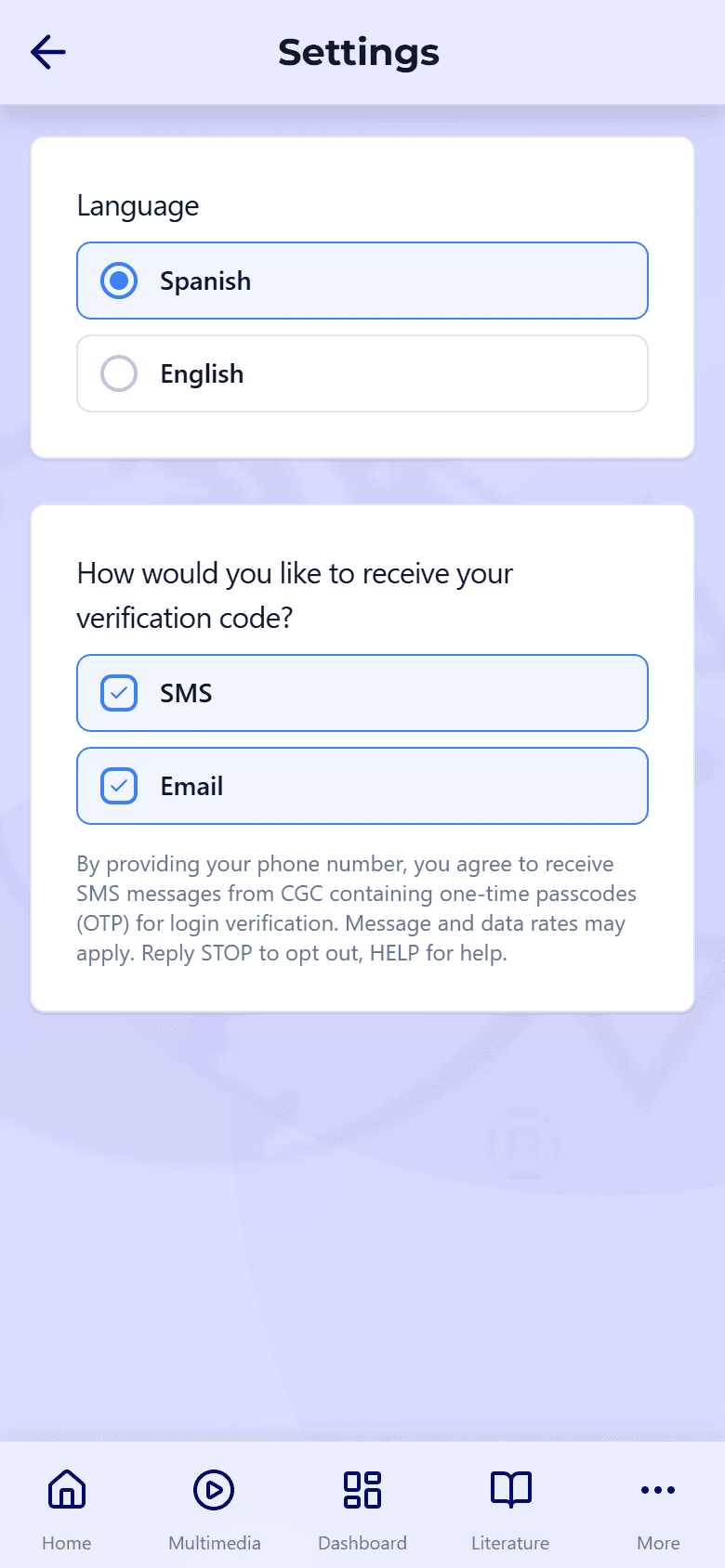
Change the app's language
The app follows the language preference on your CGC account. Open your account settings, choose English or Español, and the app updates to match. (Because this is an account setting, the app may open your account page to make the change.)
- 02
Step 02 / 02
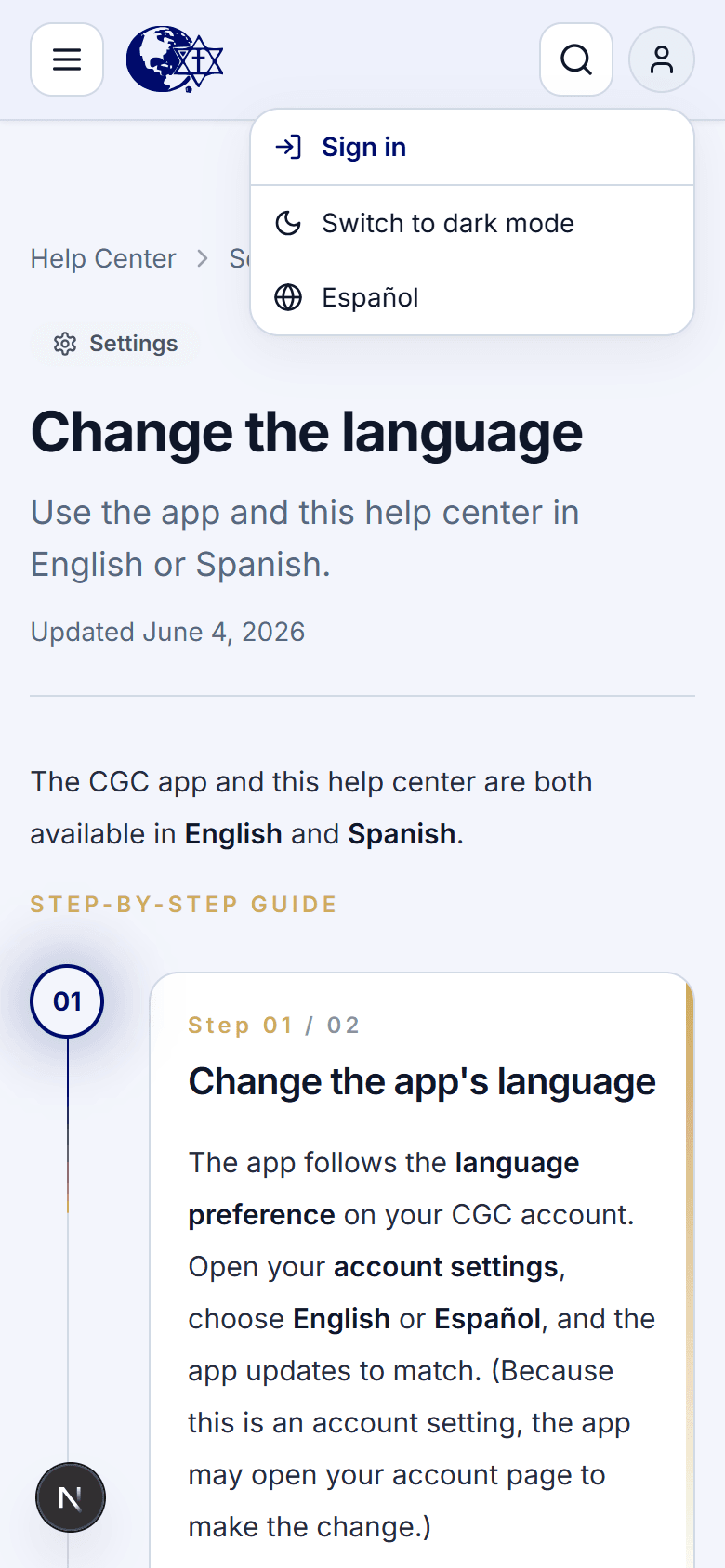
Change this help center
Use the language switch at the top of any page here to read these guides in English or Spanish. It's separate from the app, so you can set each one the way you like.