Light & dark themes
Choose a light or dark look for comfortable reading.
Updated June 4, 2026
Prefer a bright screen by day and an easy-on-the-eyes one at night? Choose the look that's most comfortable for you.
Step-by-step guide
- 01
Step 01 / 02
In the app
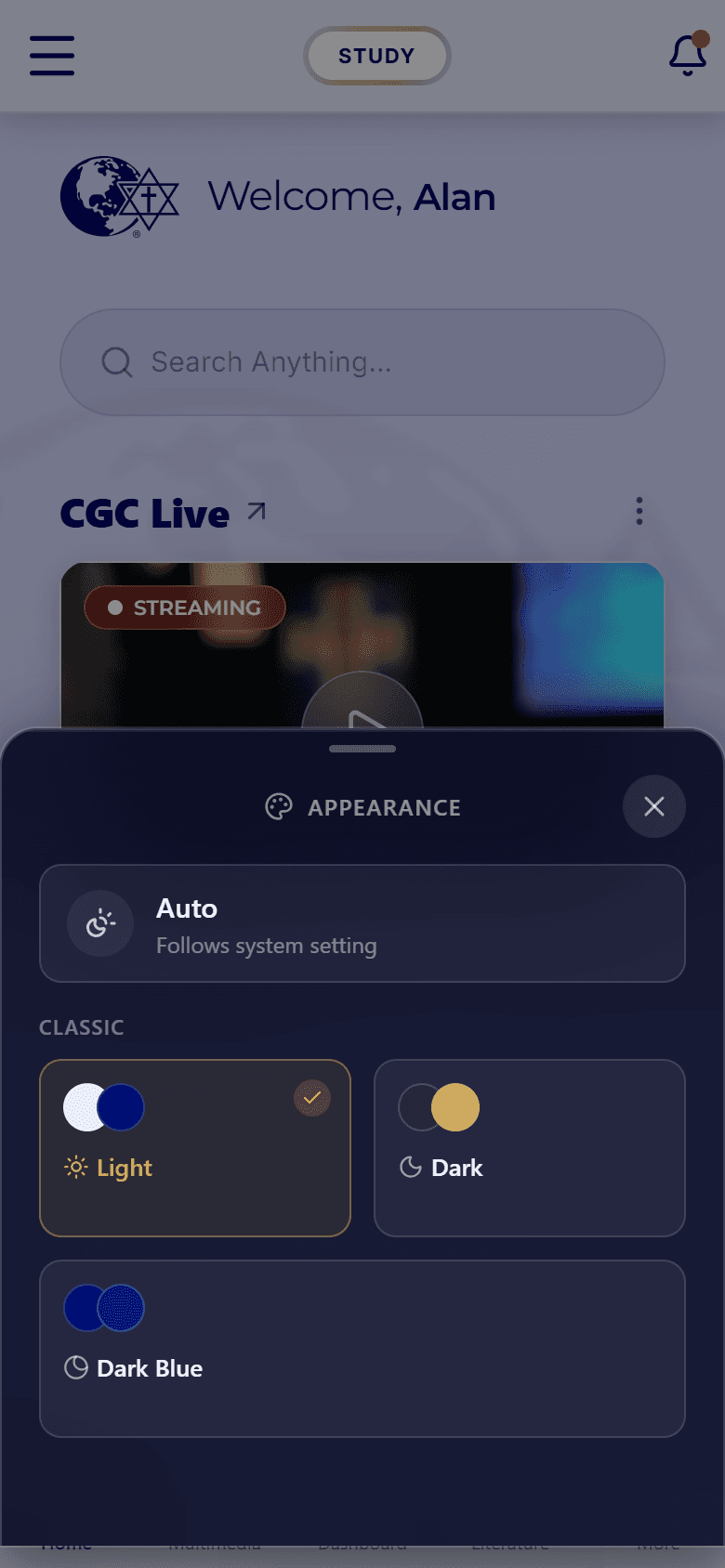
Open the app's appearance settings and pick a light or dark look. If a System option is offered, it follows your phone's own day-and-night setting automatically.
- 02
Step 02 / 02
In this help center
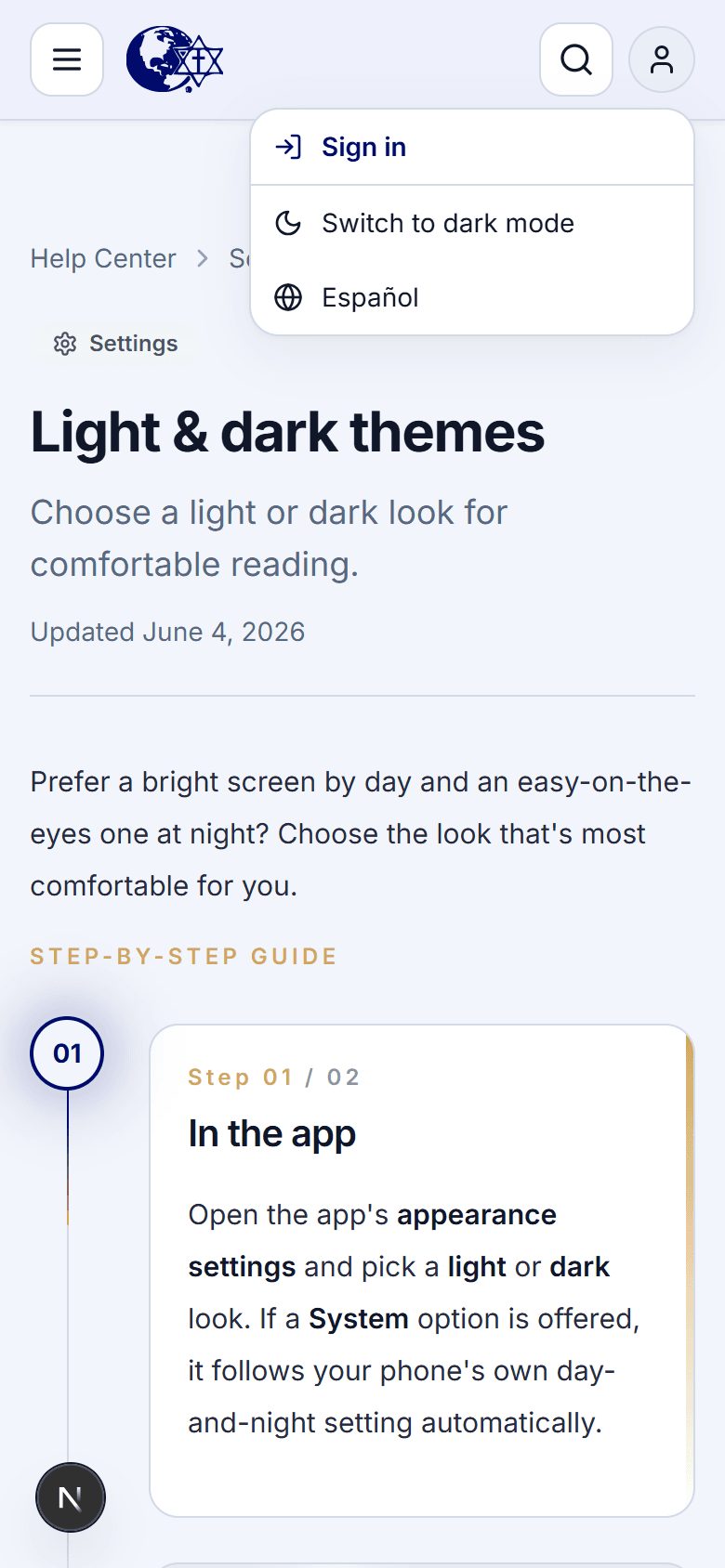
Use the sun / moon button at the top of the page to switch these guides between light and dark. Your choice is remembered the next time you visit.