I can’t sign in
Can’t get in? Try these quick fixes.
Updated September 9, 2026
Can't sign in? Most of the time it's something small. Work through these in order.
Step-by-step guide
- 01
Step 01 / 04
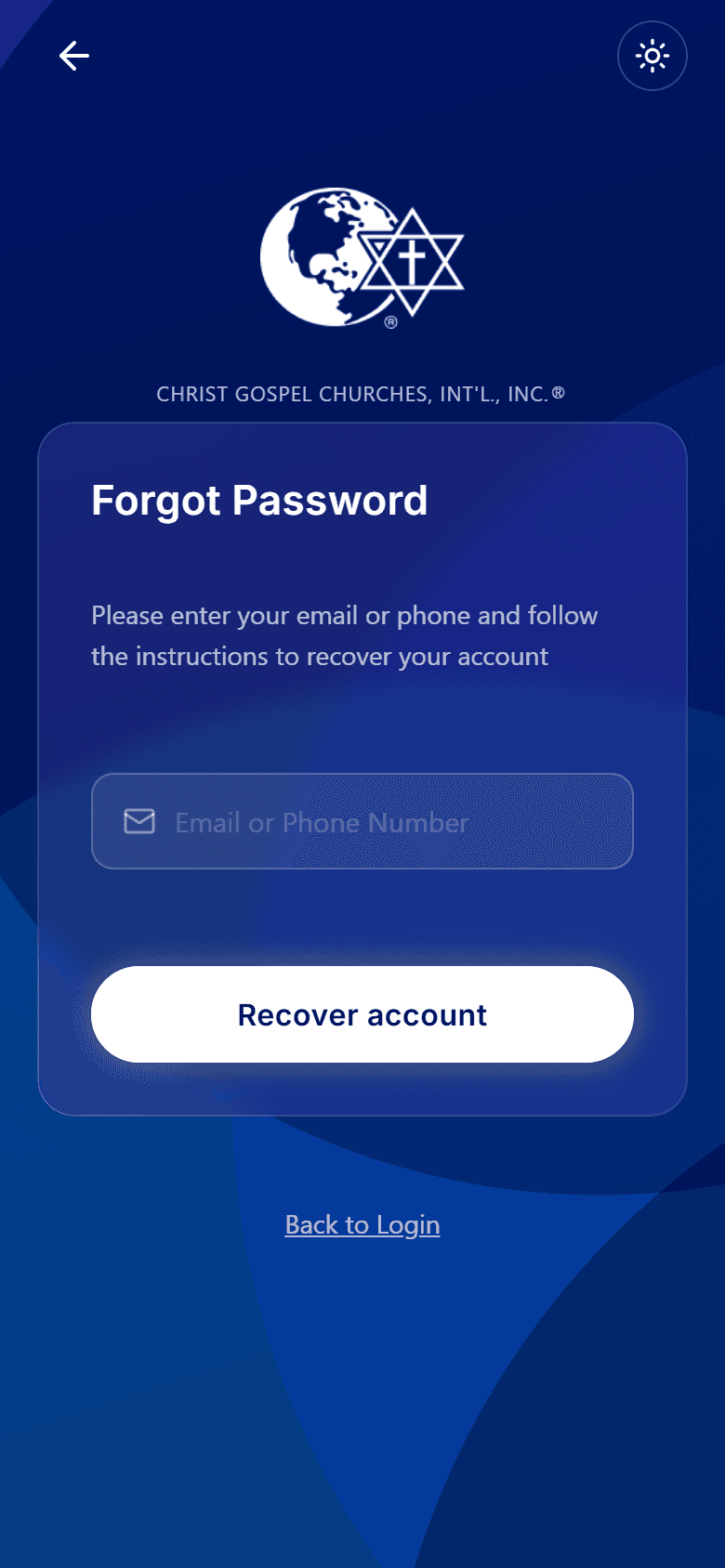
Forgot your password?
On the sign-in screen, tap Forgot password. Enter the email or phone on your account and we'll send a 6-digit code to reset it. Type the code, choose a new password (8–32 characters with an uppercase letter, a lowercase letter, a number, and a symbol), and you're back in.
- 02
Step 02 / 04
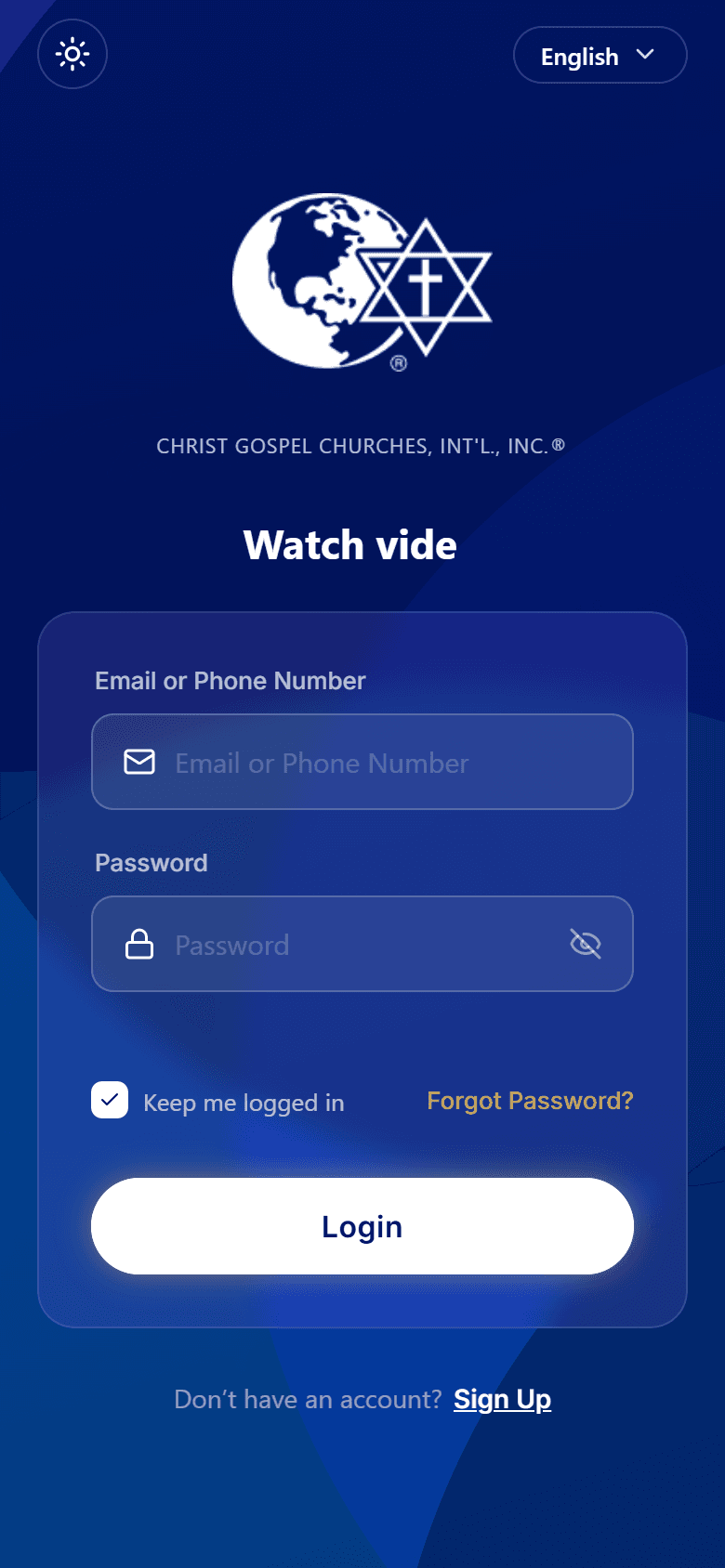
"Incorrect email or password"
- Check for typos and extra spaces. Passwords are case-sensitive.
- Make sure you're using the email or phone you signed up with.
- 03
Step 03 / 04
Didn't get your code?
- Check your spam folder and your phone signal.
- Wait a moment, then tap Resend. A sign-in code is only valid for about five minutes, so always use the newest one.
Walkthrough image coming soon - 04
Step 04 / 04
Still stuck?
- Make sure you have the latest version of the app.
- Check your internet connection.
- Close the app fully and reopen it.
Need a person? This help center covers guides and how-tos. For account help or to reach our team, open the CGC app and go to Help & Support → Contact Support. You can follow up anytime under My Tickets. You can also email appdev@christgospel.org.