Read books
Read in the app with adjustable text, highlights, and notes.
Updated June 4, 2026
Read books and study materials right in the app, with text you can size to your liking and your own highlights and notes saved as you go.
Step-by-step guide
- 01
Step 01 / 02
Start reading
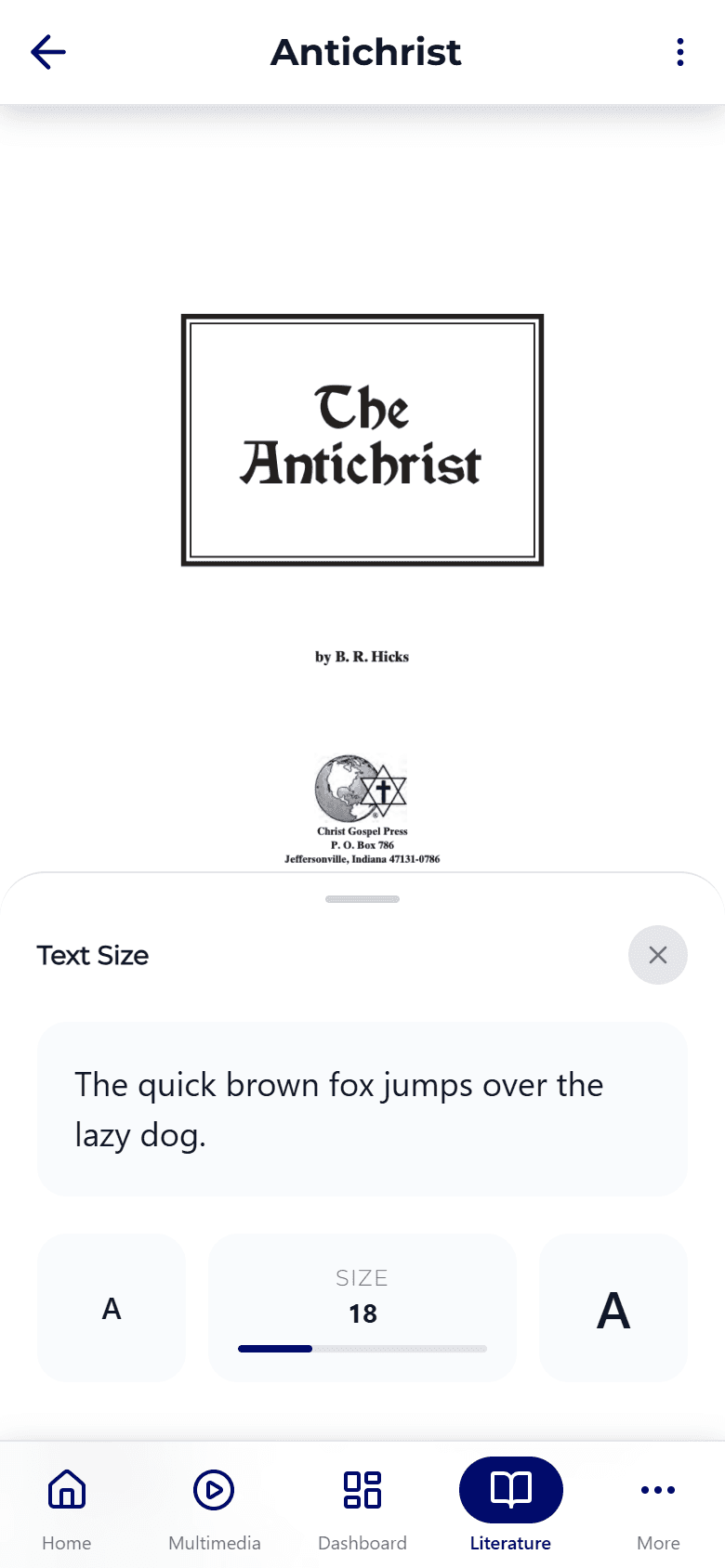
- Open the Books tab and tap a title.
- Tap Read to open it.
- Use the Aa button to set your text size and a light or dark page.
The app saves your place automatically — reopen the book anytime to continue right where you stopped. Use the table of contents to jump to a chapter, or search inside the book to find a word or phrase.
- 02
Step 02 / 02
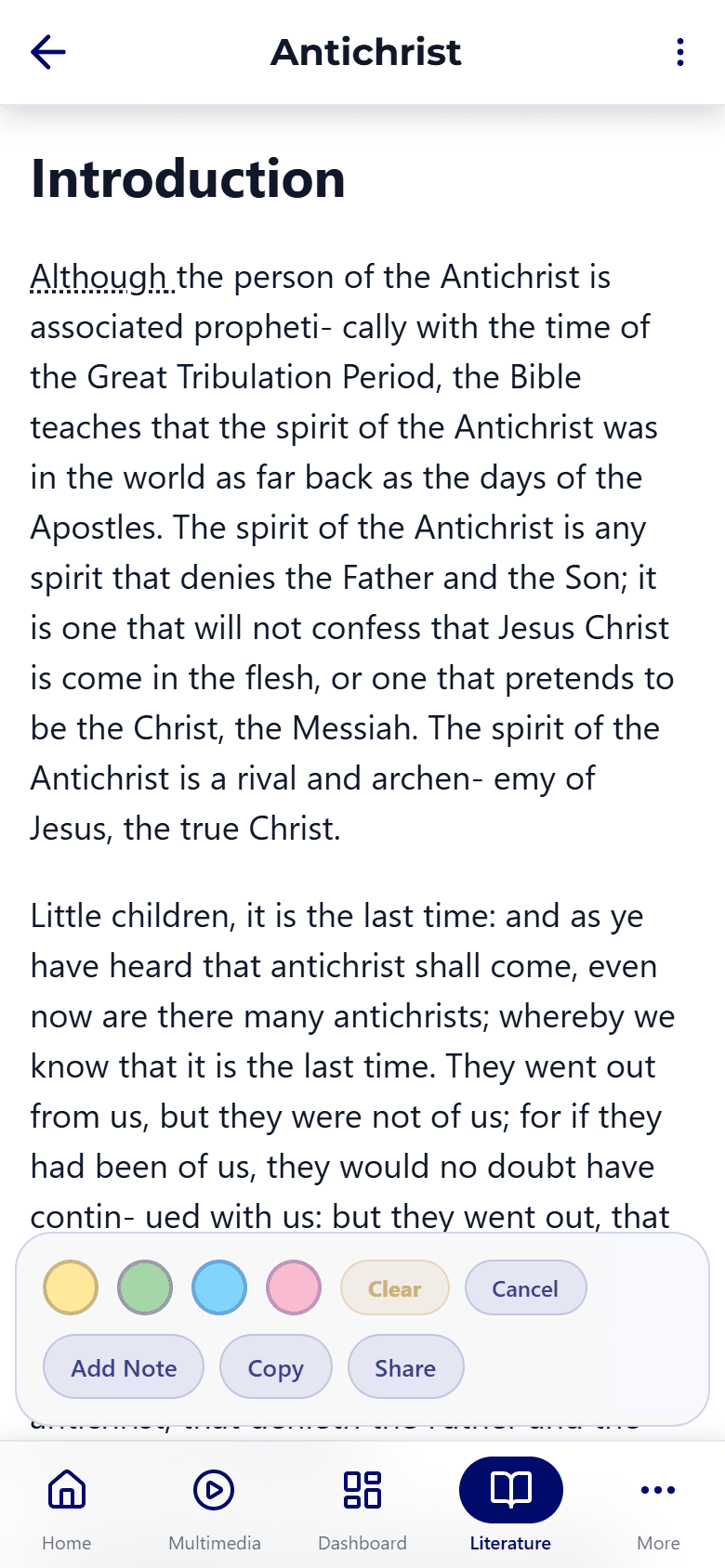
Highlight and take notes
Press and hold any passage to highlight it or attach a note. Your highlights and notes are saved to your library, so you can come back to them later.
Want to read on a flight or somewhere without signal? Download the book first — see Downloads & offline.