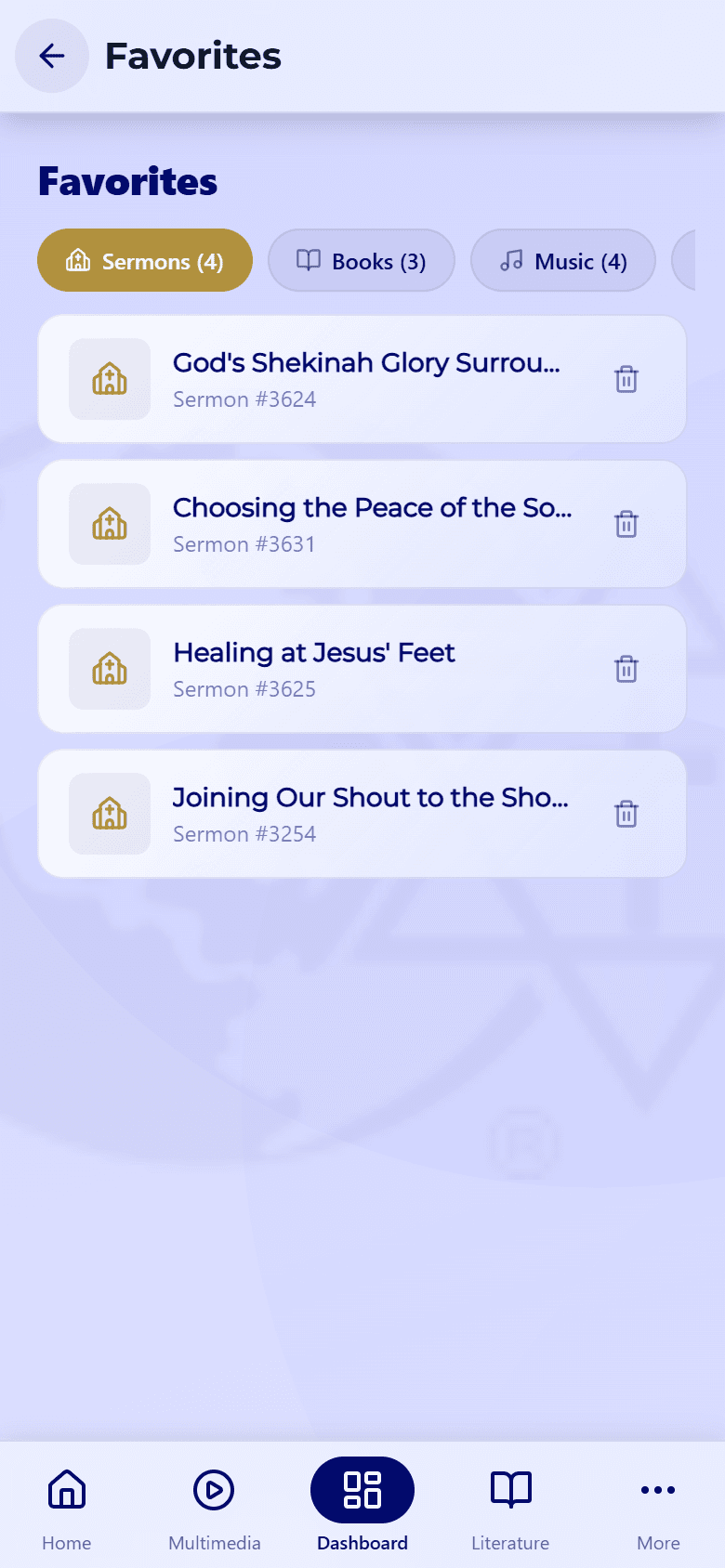
Watch & listen to sermons
Read, listen to, or watch sermons — and resume anytime.
Updated June 4, 2026
Sermons are available to read, listen to, or watch — whatever fits your moment. The app remembers where you stopped, so you can always pick up where you left off.
Step-by-step guide
- 01
Step 01 / 02
Open a sermon
- Go to the Sermons tab.
- Tap a sermon to open it.
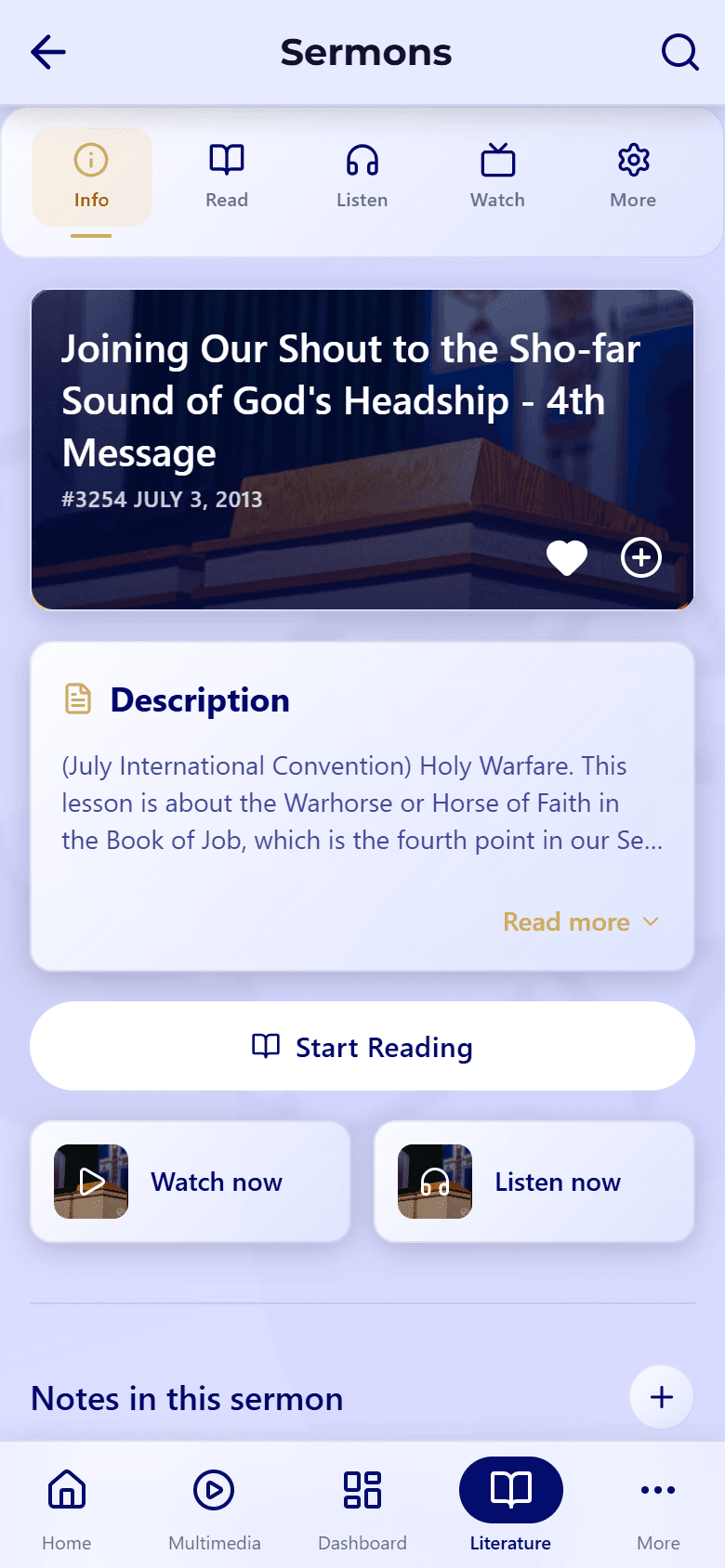
- Choose Read, Listen, or Watch at the top. If a format is grayed out, it isn't available for that sermon.
- 02
Step 02 / 02
Keep it for later
- Tap the heart to save a sermon to your favorites.
- Tap the download icon to keep it on your device for offline listening or reading — see Downloads & offline.
- Reading? Select any passage to highlight it or add a note.
Switch to Listen to keep a sermon playing while you use other apps or lock your screen.
More about the player is in Playback controls.