Download the app
Get the free CGC app on iPhone or Android.
Updated June 4, 2026
The CGC app is free, and it's where you'll read, listen, and watch everything — sermons, books, music, and live services. Here's how to get it on your phone or tablet.
Step-by-step guide
- 01
Step 01 / 02
Install the app
- Open the App Store on iPhone or iPad, or Google Play on Android.
- Search for Christ Gospel Church.
- Tap Get or Install, then open the app when it finishes.
Walkthrough image coming soon - 02
Step 02 / 02
Sign in to see your content
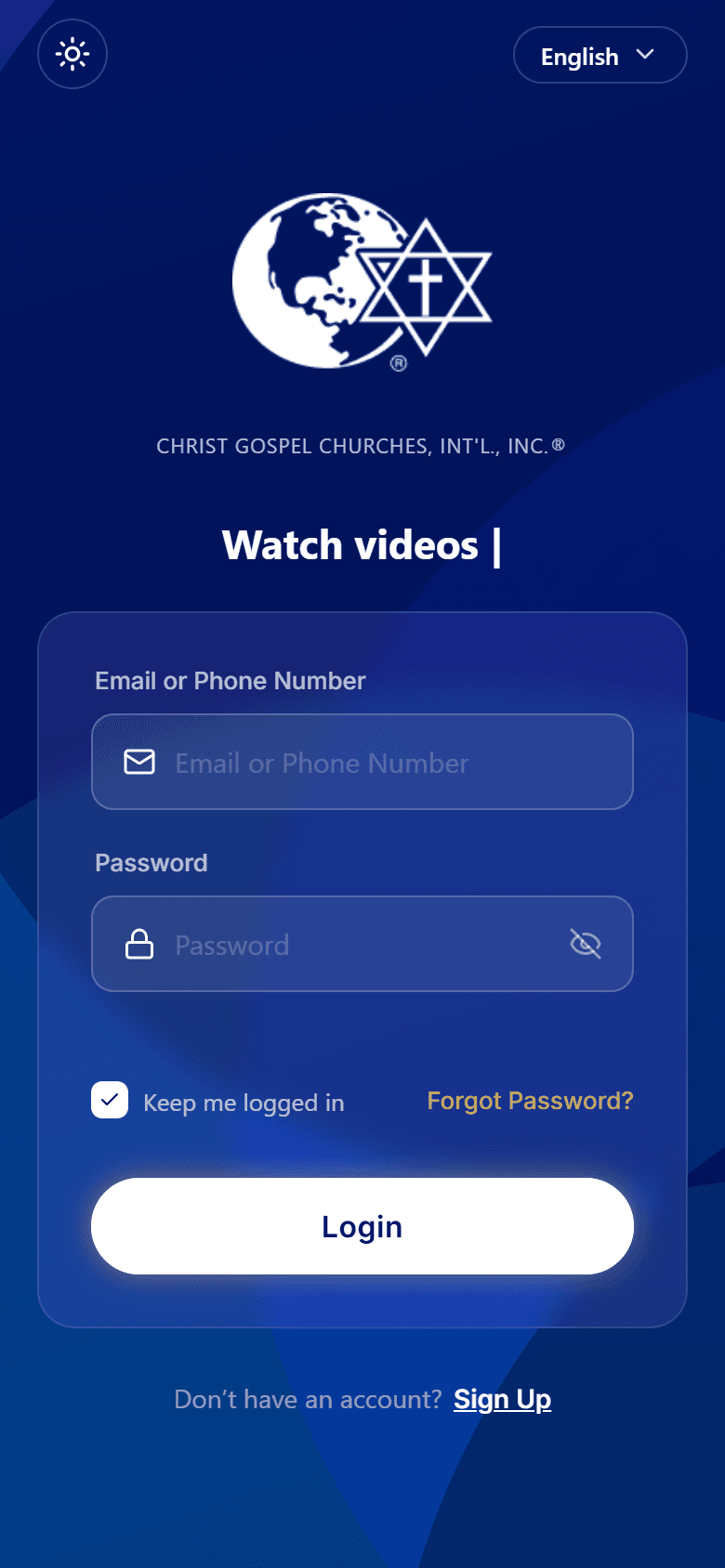
The app keeps your library, notes, and subscription tied to your account, so you'll sign in (or create a free account) the first time you open it. There's no separate browsing mode in the app — your account is what unlocks the content.
- New here? Follow Create your account.
- Already have an account? See Sign in.
If the app won't install or open, make sure your phone's software is up to date and you have a steady internet connection.