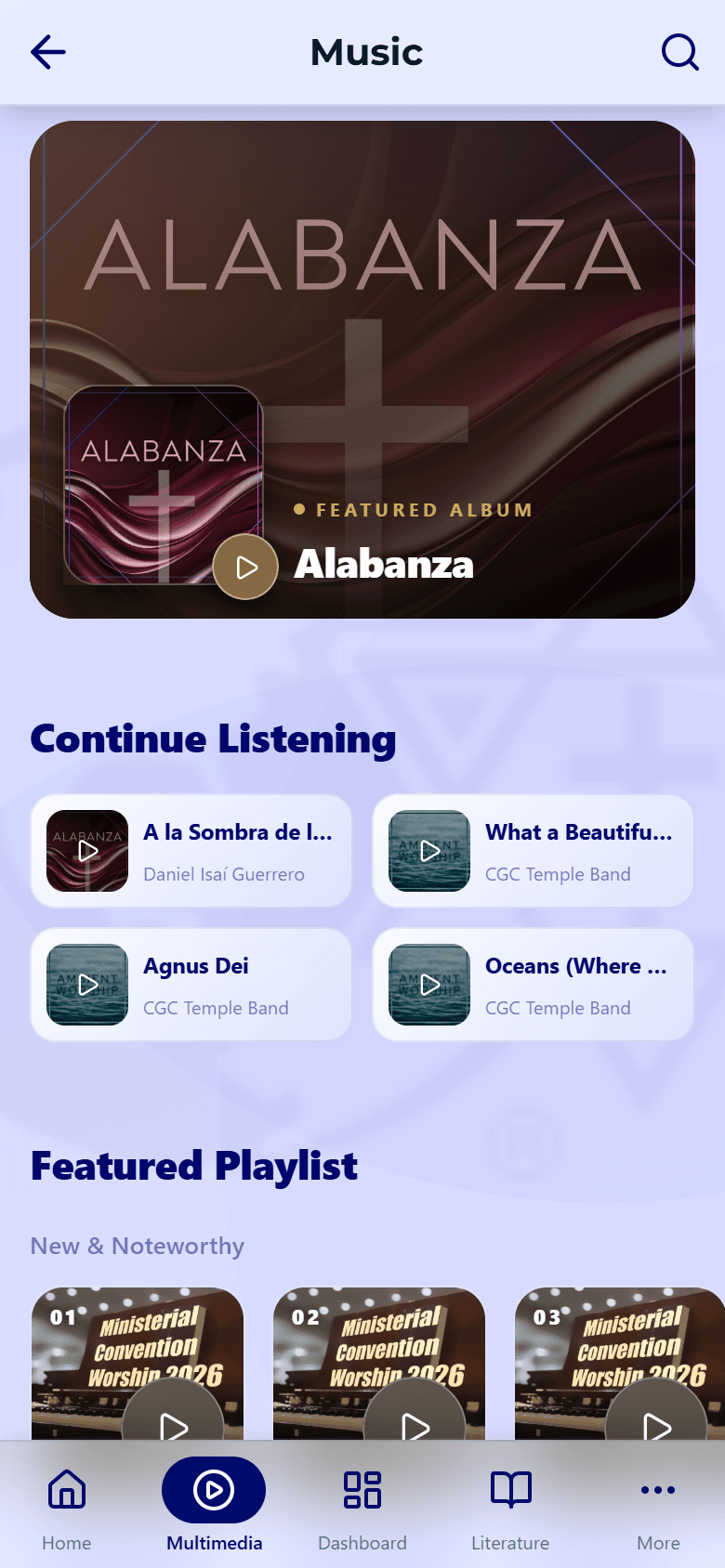
Playback controls
One familiar player for sermons, music, and podcasts.
Updated June 4, 2026
Sermons, music, podcasts, and the radio all use the same player, so the controls feel familiar wherever you are.
Step-by-step guide
- 01
Step 01 / 02
The basics
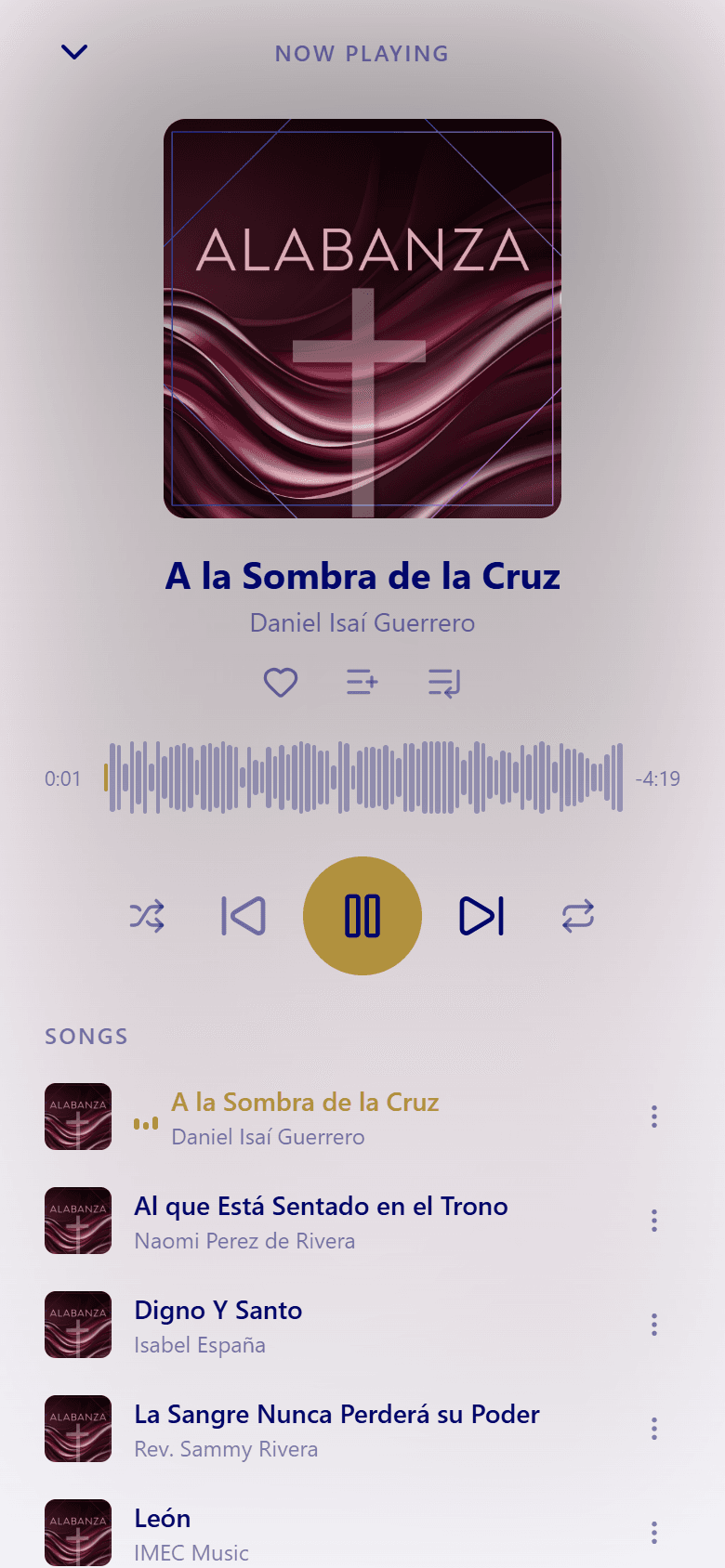
- Play and pause with the center button.
- Skip back or ahead, or drag the progress bar to any point.
- Adjust the speed when you're listening to a talk.
- Audio keeps playing in the background when you switch apps or lock your phone.
- 02
Step 02 / 02
Pick up where you left off
The app remembers your spot in everything you play. Reopen a sermon, track, or episode and tap Resume to continue from the same moment.
To keep listening without a connection, download an item first — see Downloads & offline. If something won't play, try Playback issues.