Search the library
Find sermons, books, music, and radio programs from one search bar.
Updated October 1, 2026
One search covers the whole library: sermons, books, music, and radio programs. It looks at titles and at the words spoken or written inside them, so you can find a sermon by a phrase you remember hearing.
Step-by-step guide
- 01
Step 01 / 04
Open search
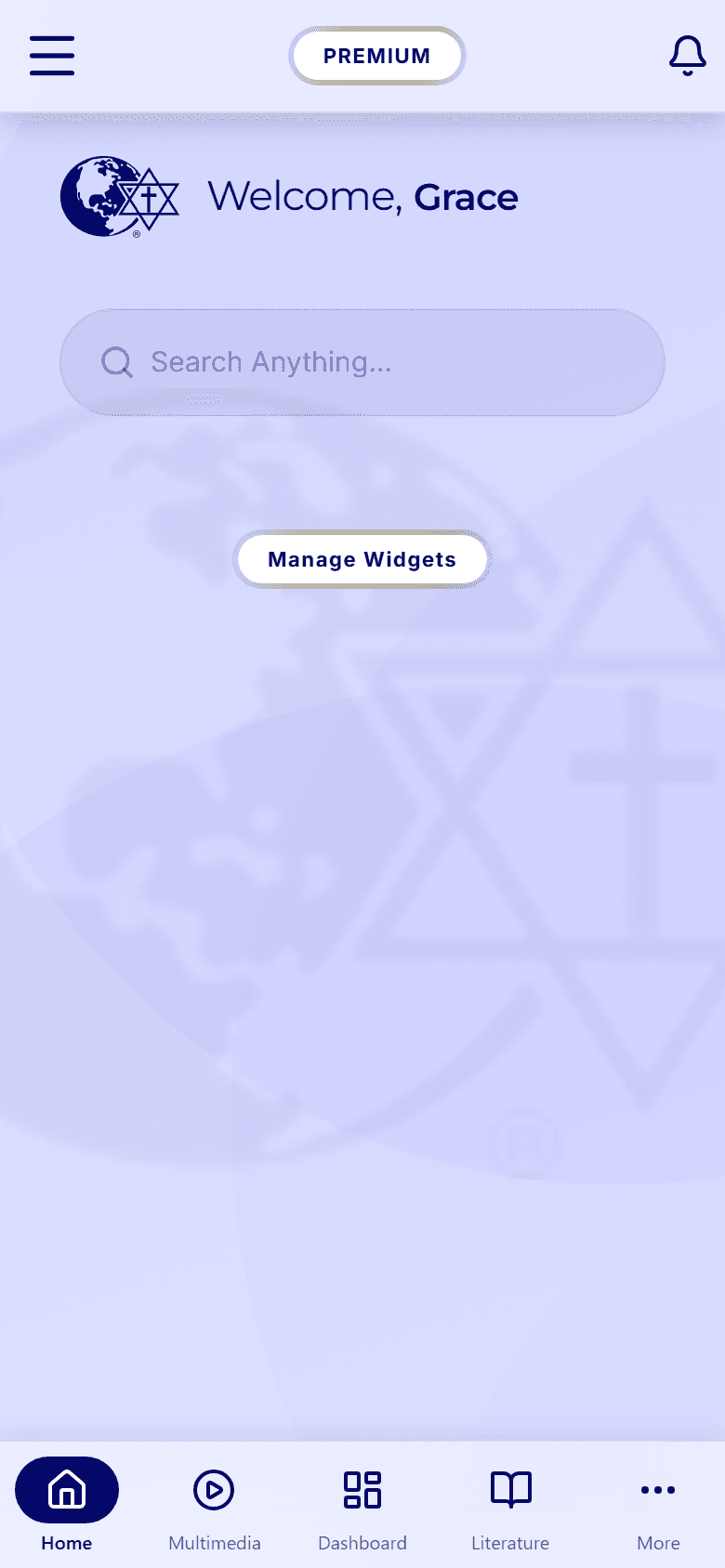
On the Home tab, tap the Search Anything... bar. You can also tap the search icon at the top of the Dashboard tab.
- 02
Step 02 / 04
Type at least three letters
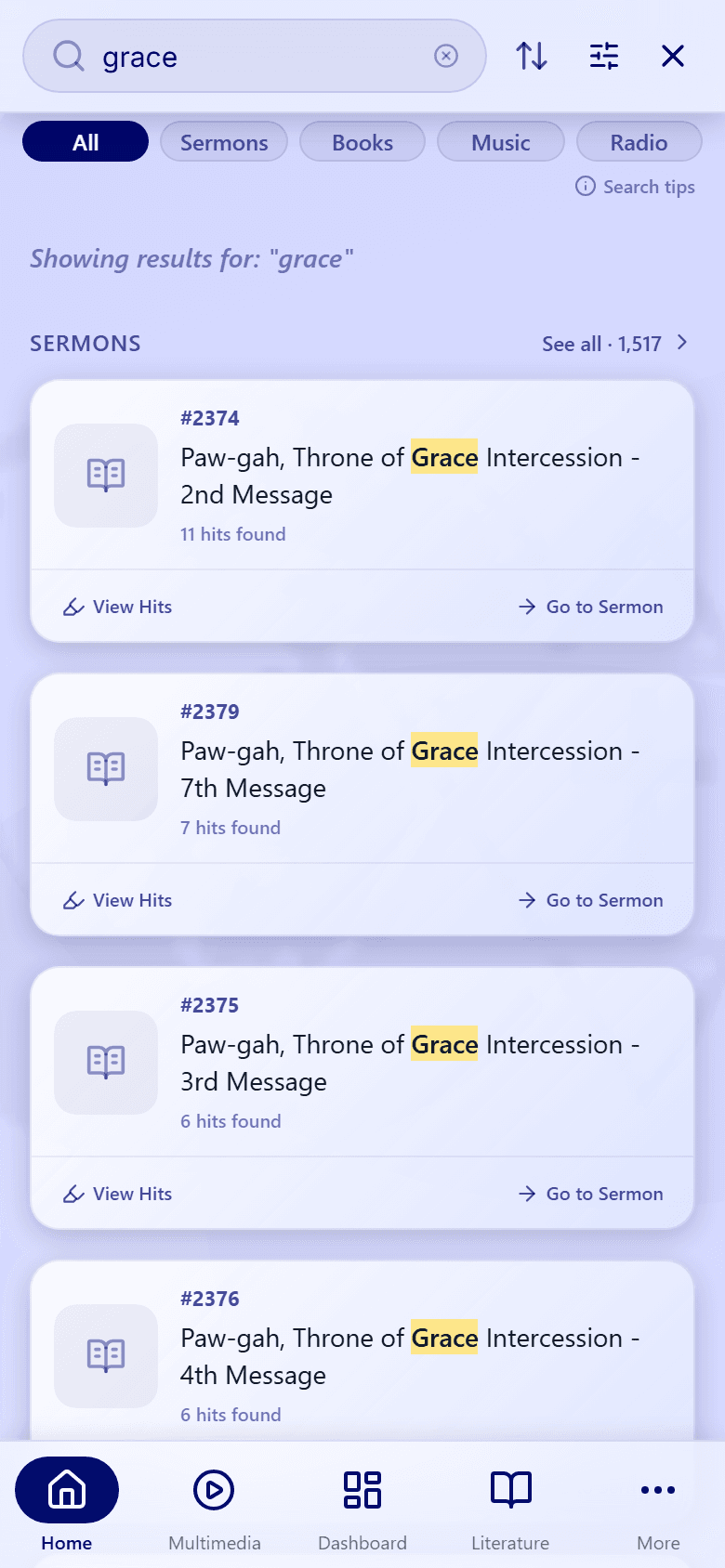
Results appear as you type, once you've entered three or more letters. You don't need to press Enter.
The All tab shows a few of the best matches of each type. Tap See all next to a type to see every result of that type.
- 03
Step 03 / 04
Narrow it to one type
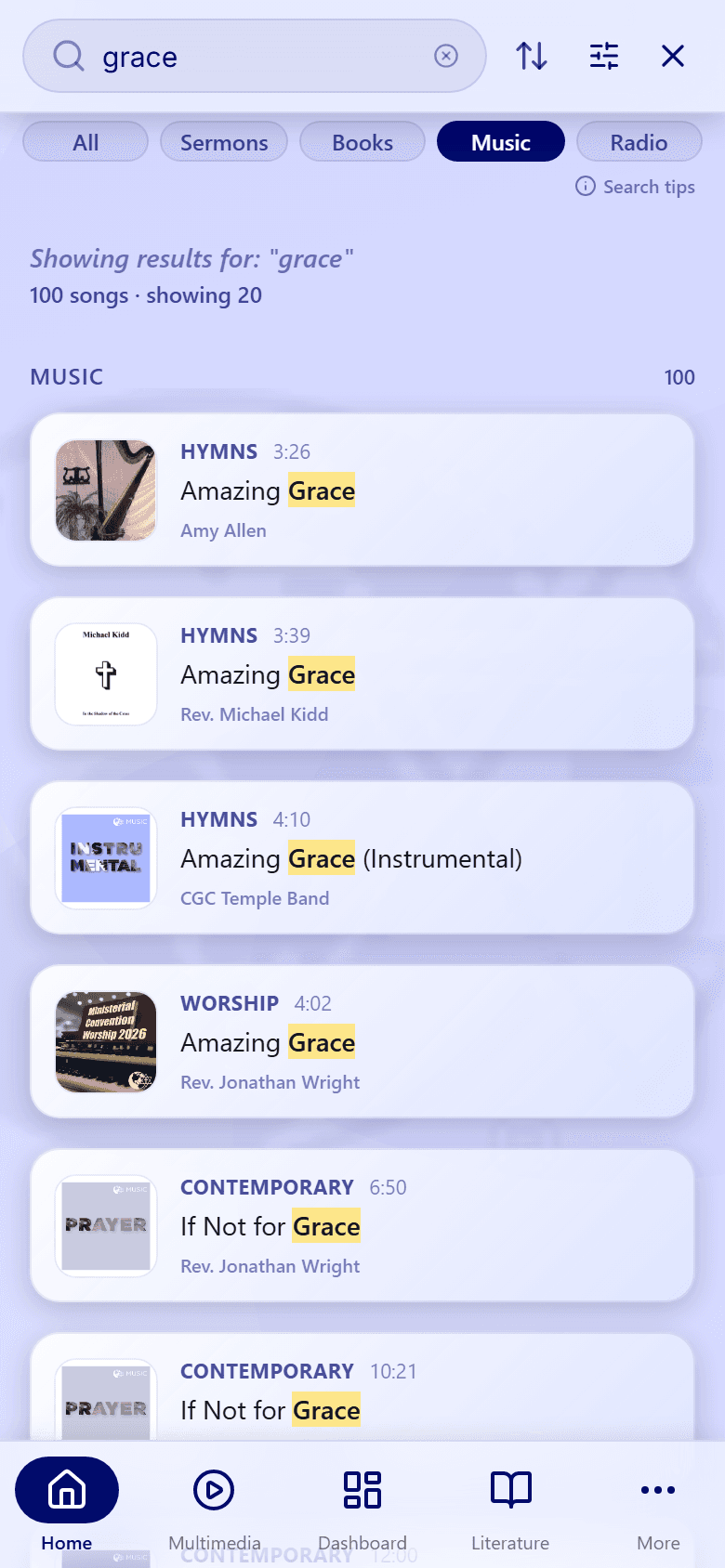
Tap a tab under the search bar to see one kind of content: All, Sermons, Books, Music, or Radio. The line above the list tells you how many results there are, for example "100 songs · showing 20". Scroll down to load more.
- 04
Step 04 / 04
Pick up a recent search
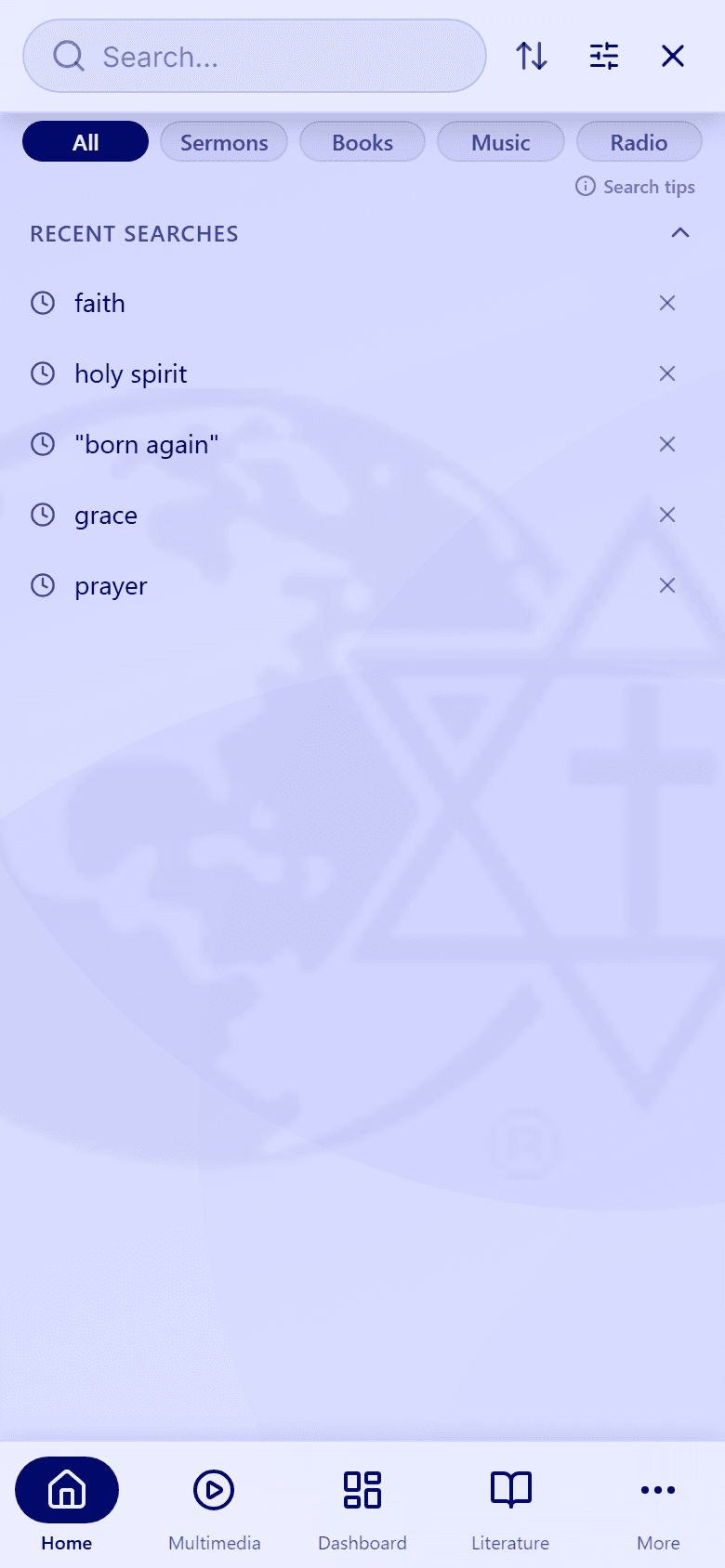
Clear the search bar to see your Recent searches. Tap one to run it again, or tap the × next to it to remove it.
A search is added to this list when you open one of its results.
Next: learn what each result shows in Understand your search results, or get better matches with Search tips.