Search tips
Search an exact phrase, look up a number, and get past typos.
Updated October 1, 2026
A few small habits make it much easier to find exactly what you're looking for.
Step-by-step guide
- 01
Step 01 / 03
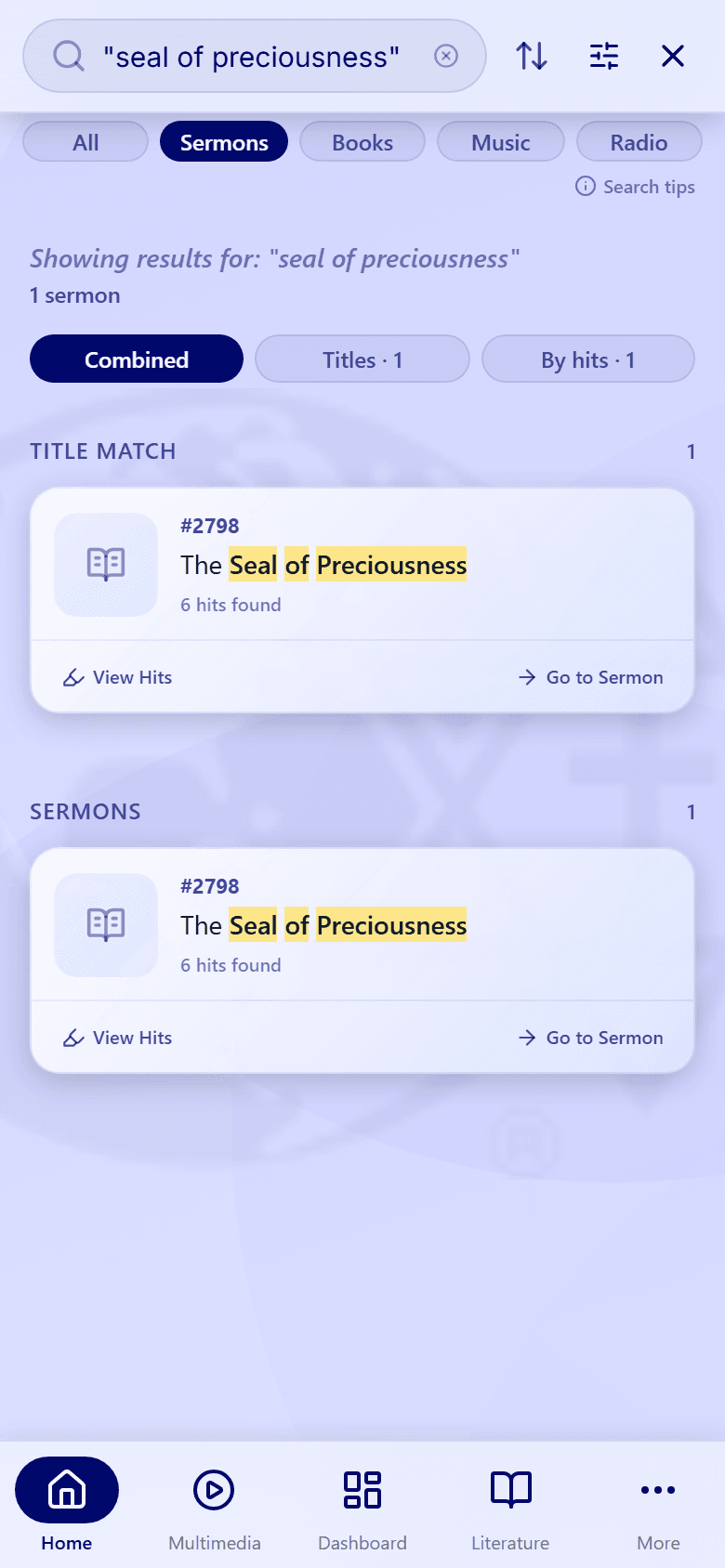
Search an exact phrase
Put your words in quotation marks to find them together and in that order. For example, "seal of preciousness" finds that phrase, not every result that mentions "seal" somewhere.
Without quotation marks, results can contain your words anywhere, in any order.
- 02
Step 02 / 03
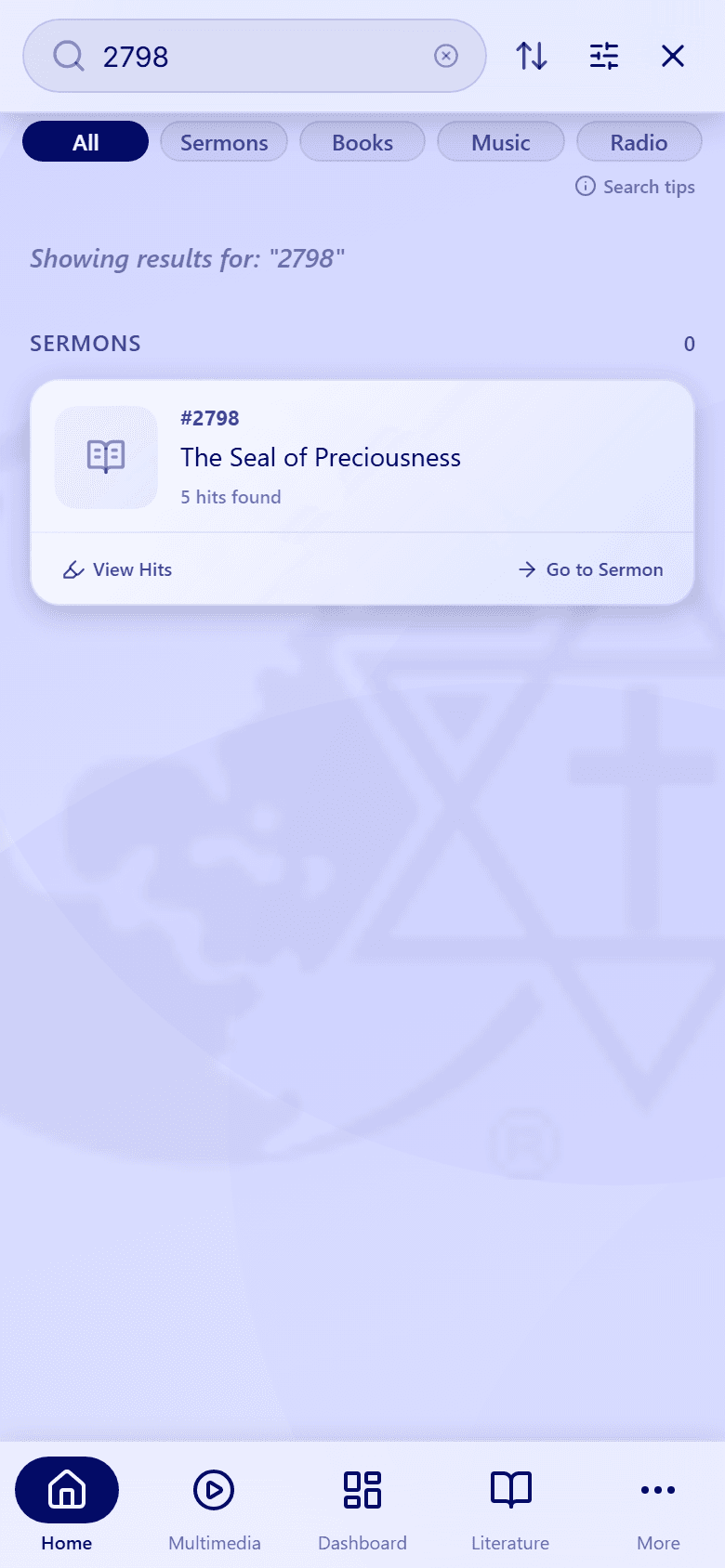
Look up a number
Know the sermon or book number? Type just the number, for example 2798, to find it.
- 03
Step 03 / 03
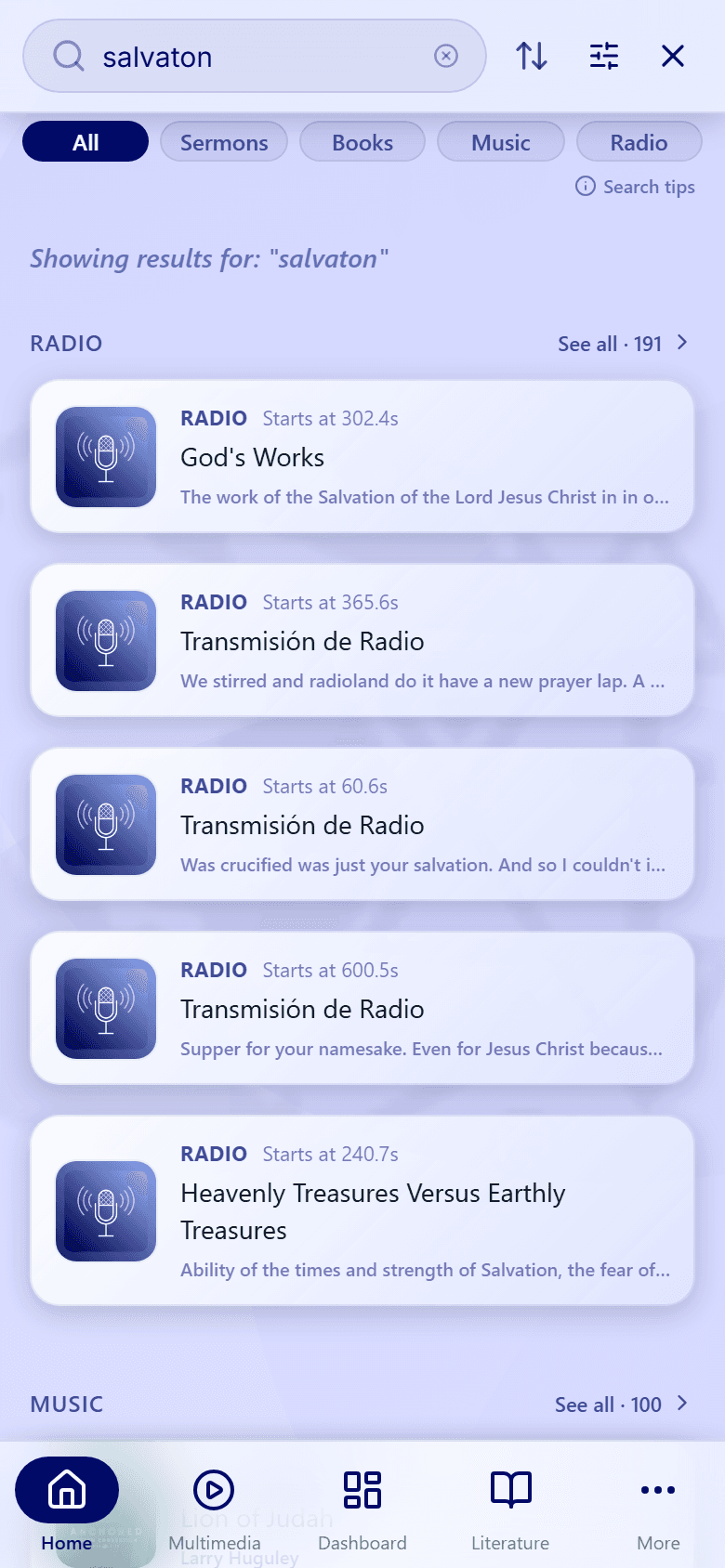
Misspelled a word?
On the All tab, small spelling mistakes are forgiven: "salvaton" still finds "Salvation".
The Sermons and Books tabs look for your words exactly as you typed them. If one of them says No results, check the spelling or switch to All.
When only a few results match exactly, a Related section at the bottom of the list suggests close matches by title or meaning.
More ways to shape your results are in Sort and filter results.