Favorites
Everything you've marked with a heart, sorted by type.
Updated October 1, 2026
Tap the heart on a sermon, book, song, or radio program to save it as a favorite. Your favorites wait for you on your dashboard.
Step-by-step guide
- 01
Step 01 / 03
Find your favorites
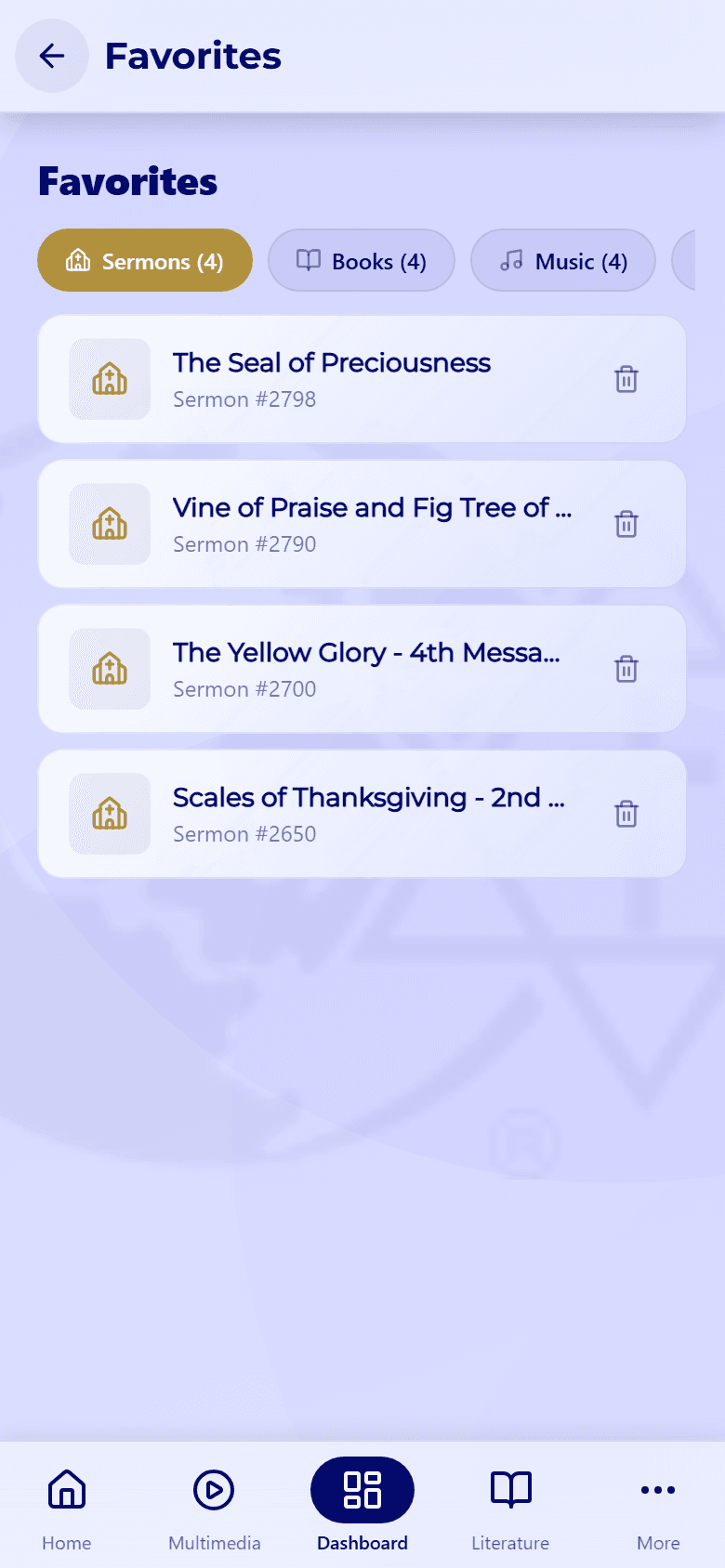
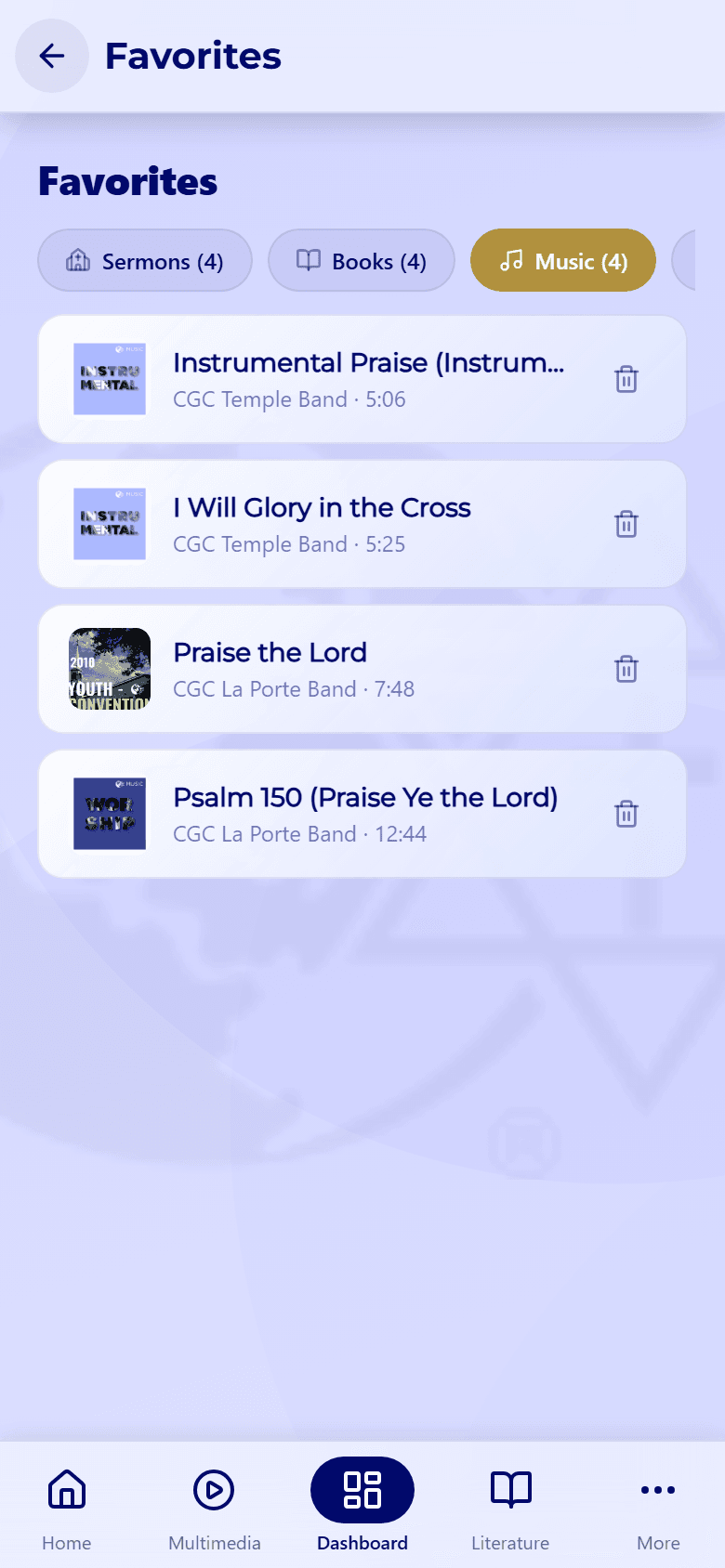
In My Dashboard, tap the arrow next to Favorites. The tabs at the top (Sermons, Books, Music, Podcasts, and Quote of the Day) show how many you've saved of each. Tap any favorite to open it.
- 02
Step 02 / 03
Remove a favorite
Tap the trash icon next to a favorite to remove it. It's removed right away, without asking first, so tap the heart again if you change your mind.
- 03
Step 03 / 03
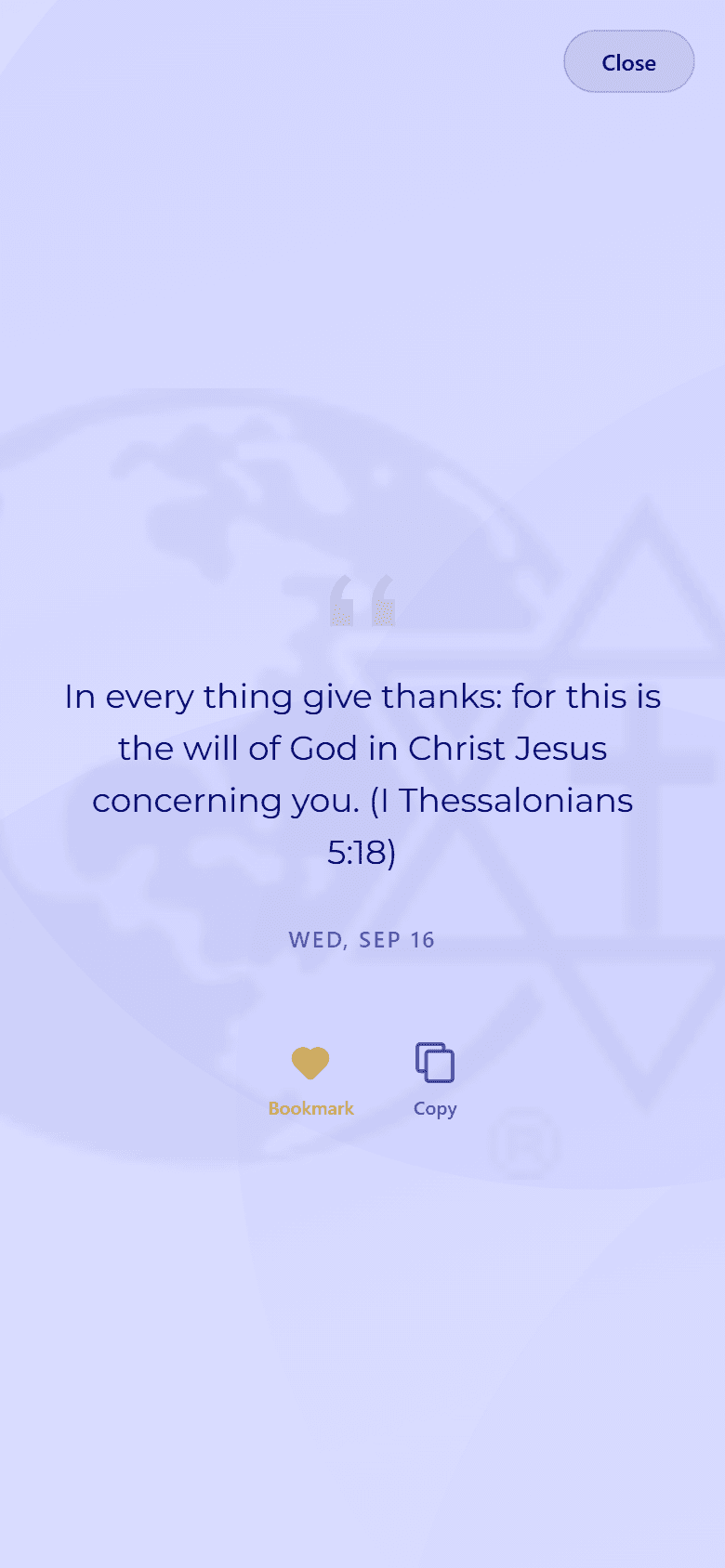
Your saved quotes
The Quote of the Day tab keeps the daily quotes you've bookmarked. Tap one to read it again, and use Copy to copy its text.